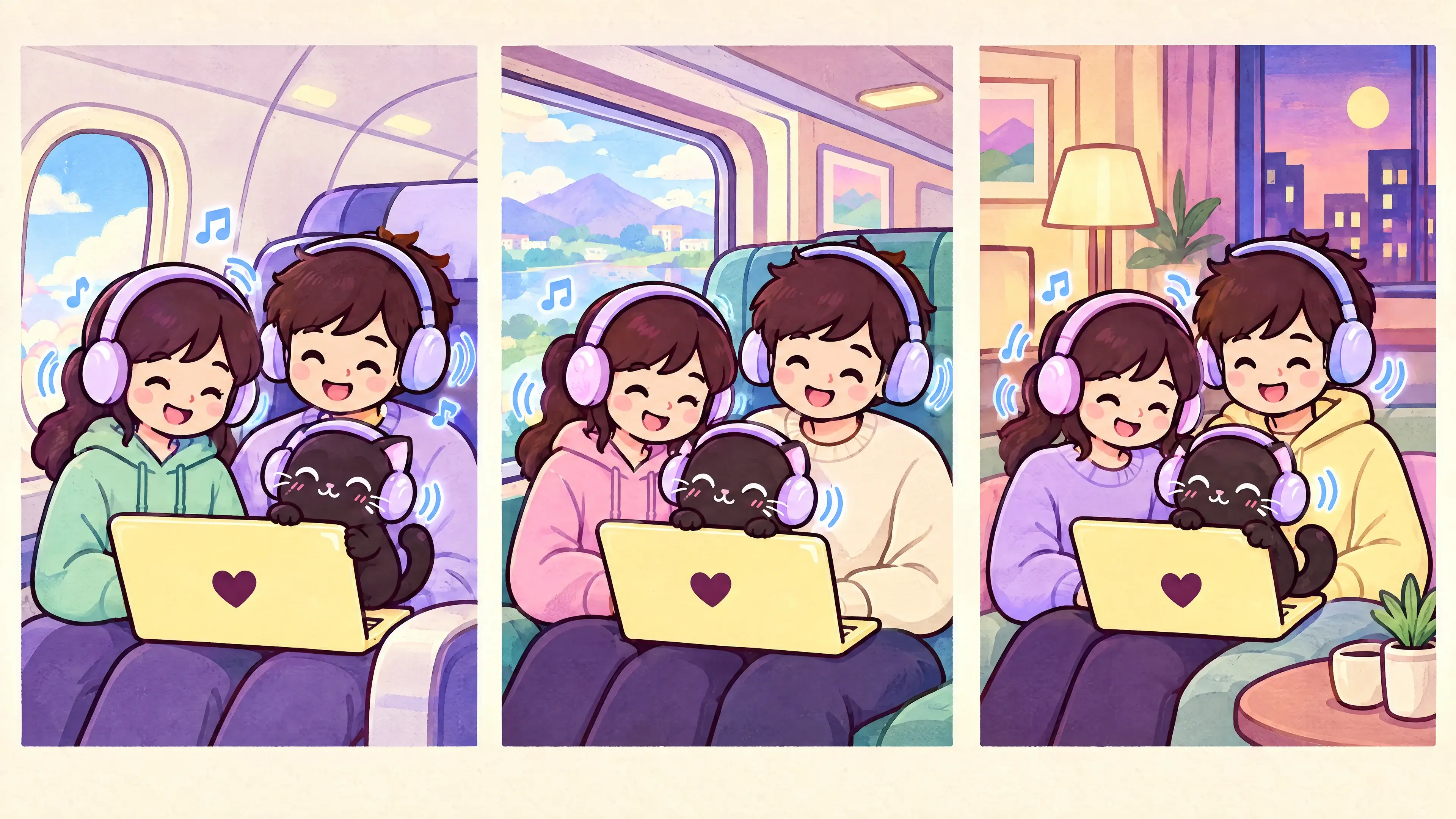
WINDOW SEAT MOMENT
Up in the clouds
Turn a long flight into a little movie date.
 two headphones!
A TINY APP FOR A VERY GOOD IDEA
Your movie night has a plus one.
Play your PC’s sound through two headphones at once (or up to four), wired or Bluetooth, on Windows 10 & 11. They bring their headphones, you bring the snacks.
Already purchased?Open Whop for your downloadOne-time purchase · Windows 10 & 11
YOUR APPS STAY YOUR APPS
One little app. All your usual fun.
 Spotify

 Steam
SteamExamples only. Some protected audio may not be shareable.
A LITTLE LOOK, IN MOTION
Meet the tiny Windows app that sends one laptop’s sound to everyone’s headphones—so the movie, playlist, or game can be a shared moment.
NO EXTRA PLAYER. NO HEADPHONE HOGGING.
Two Headphones sends your laptop’s sound to everyone’s headphones, so you can watch or listen together without sharing a pair.
THE FLIGHT THAT STARTED IT
I was on a flight to Southeast Asia with my girlfriend, trying to watch YouTube together. Yes, some planes have Starlink now! The missing piece was getting one laptop’s audio into both our headphones—so I built the little app I wished I had.
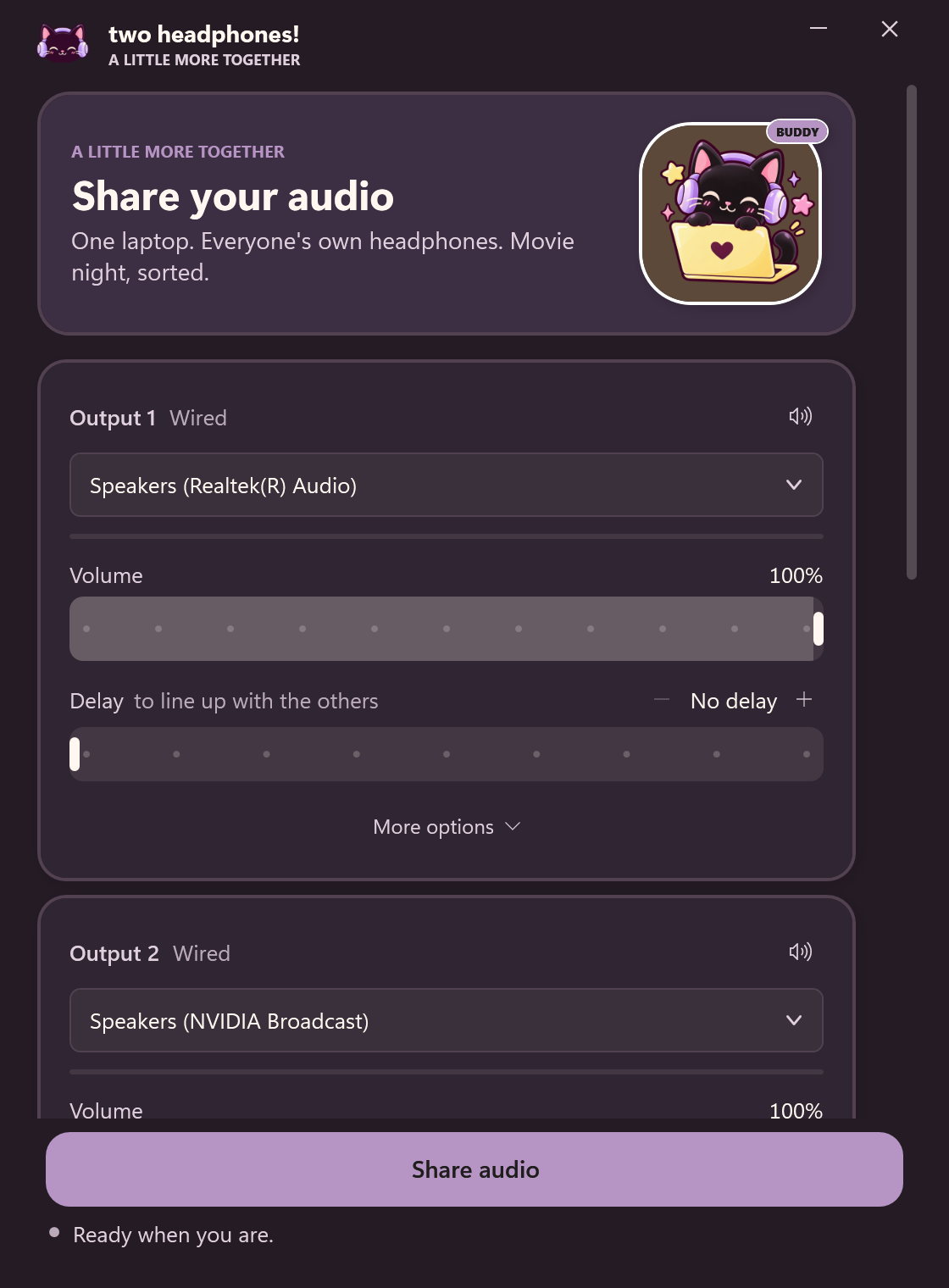
Connect up to four headphone outputs.
Choose each listener’s device and volume.
Press play in YouTube, movies, music, games—whatever you’re already using.
 a tiny app with
TWO SEATS. ONE SCREEN. YOUR LITTLE SIDEKICK.
From plane window to train window to one last episode before bed, keep listening together.
WINDOW SEAT MOMENT
Turn a long flight into a little movie date.
NEXT STOP: PLAY
Share a playlist as the scenery rolls by.
THE COZY FINALE
Settle in and keep the soundtrack together.
Make the ride part of the movie night.
Get the app for $10ONE SCREEN ✳ TWO PAIRS ♪ ZERO “CAN I HAVE A LISTEN?”
MORE EARS, SAME PLAY BUTTON
Add up to four headphones to the same listening party.
Each listener sets their own volume to just right.
Keep watching, gaming, and listening in the apps you already love.
Bluetooth timing can vary by device. Protected audio may not be shareable.
READY WHEN YOU ARE
Movie night just got a plus one.
A FEW THINGS YOU MIGHT BE WONDERING
Everything you need to know before you press play.
It lets one Windows laptop share its audio with up to four headphone outputs, so everyone can listen together while using the apps they already know.
The app is for 64-bit Windows 10 and Windows 11. It is a portable app, so there is no extra media player to install.
You keep using your usual Windows apps. Some services protect their audio, so their sound may not be available to share.
Yes. Each headphone output has its own volume control in the app.
Timing can vary from one Bluetooth device to another, so perfectly matched playback is not guaranteed.
No. It is a one-time $10 purchase through Whop. After payment, open the Two Headphones download in your Whop account. The app does not ask for a license key.
A NICE LITTLE ONE-TIME BUY
Pay once, then share the soundtrack. No subscription or in-app activation.
After checkout, your Windows download is available in your Whop account.Buy on Whop — $10 once Already purchased? Find your download in WhopWindows 10 / 11 · 64-bit · Portable app
movie date approved